
Quality checks. Evidence attached.
Record quality checks against the work, with photographs and clear findings. Keep the inspection, any defects and the next review connected to the same project.
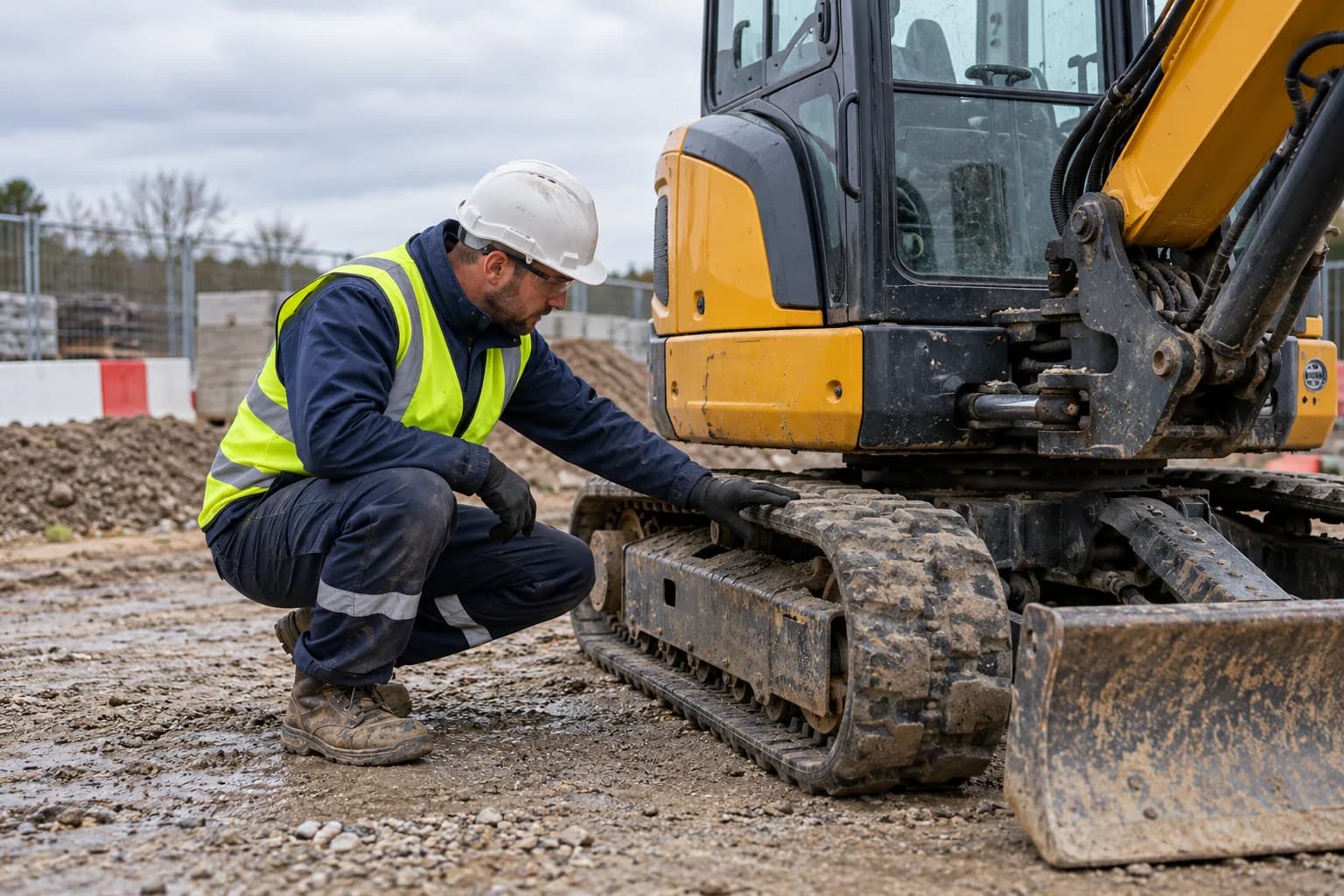
A clear path through the work.
How Quality Inspections connects the task, the people and the record.
Define what is being checked
Identify the project, location and work to be inspected. Use a checklist that reflects the installation or activity being reviewed.
Show the finding
Record the inspection outcome with notes and photographs. Explain the issue clearly enough for the person responsible for the next action.
Review the remedial work
Connect defects to their owners and follow-up records. Retain evidence of the work completed and the subsequent inspection decision.
Workflow illustration for Quality Inspections. No customer records are shown.
The details that keep work moving.
Quality checklists for the work or installation being inspected
Inspection findings with notes and supporting photographs
Project and location context for each check
Defects assigned for follow-up and reinspection
A retained record of the inspection and subsequent review
Questions about Quality Inspections.
Clear answers to help you choose the right setup for your team.
Can quality inspections include photographs?
Yes. Photographs and notes stay with inspection findings so the team can see the evidence behind the recorded outcome.
How are quality inspections different from snagging?
The quality inspection records the check and its findings. Snagging and defect management carries a finding through assignment, remedial work and close-out. The two workflows connect.
Can a finding be reviewed after work is completed?
Yes. Follow-up evidence and reinspection records help the responsible reviewer decide whether the finding can be closed.
Keep the next workflow connected.
Connect your
compliance workflows.
Bring the people, the paperwork and the site record together in one toolbox.