
Keep equipment usage in view.
Keep vibratory equipment usage records connected to the operator, tool and task. Use configured usage alerts to bring records that need review to the team's attention.
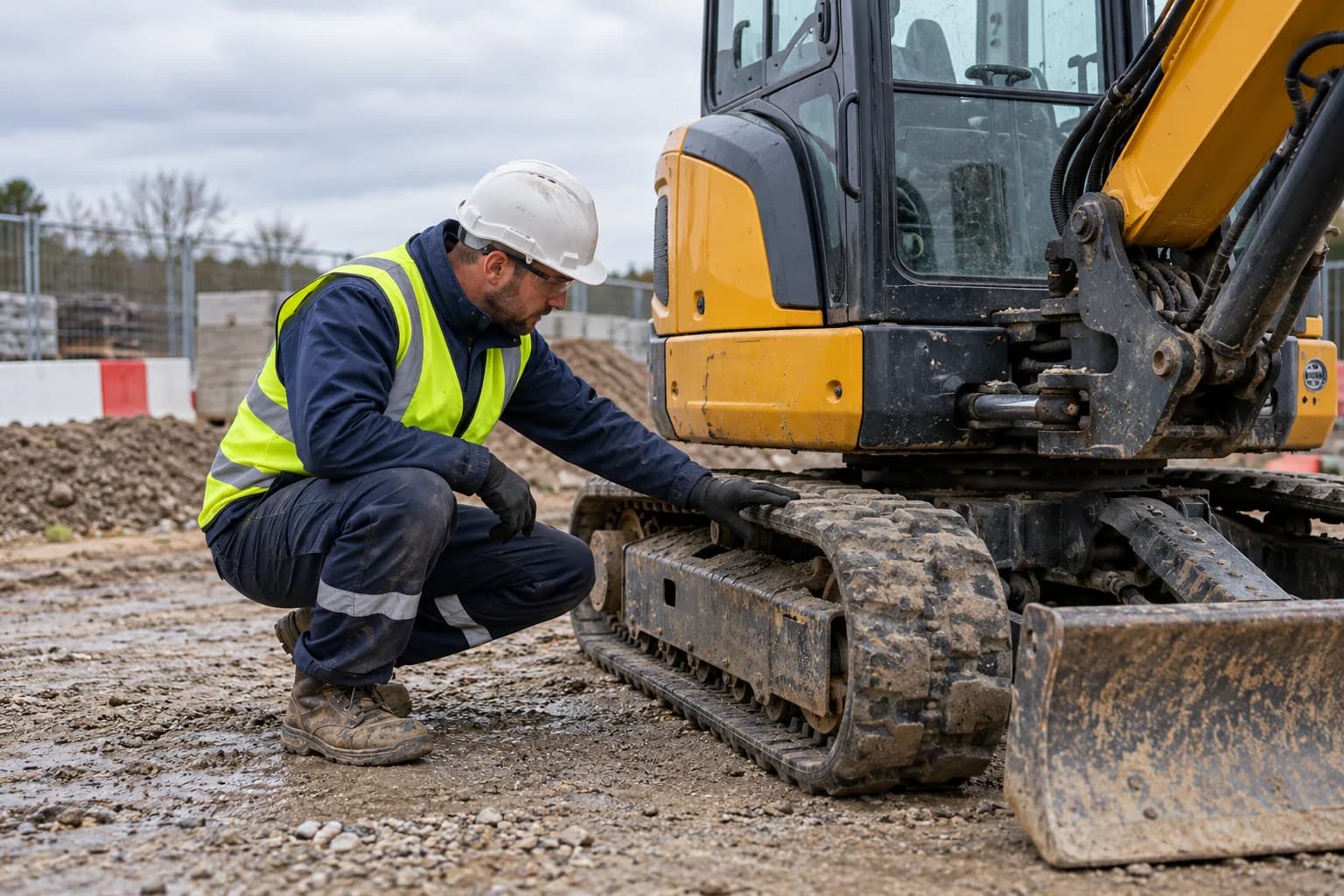
A clear path through the work.
How Vibration Tracking connects the task, the people and the record.
Identify the operator and tool
Connect the usage entry to the person, equipment and task. Keep those details consistent with the workforce and equipment records already in the toolbox.
Record the usage
Capture the duration and task information for the equipment used. Keep entries together so supervisors can review the recorded activity across the day.
Review the alert
Use configured usage alerts to flag records that need attention. Review the task and underlying entries, then record the follow-up decided by the responsible team.
Workflow illustration for Vibration Tracking. No customer records are shown.
The details that keep work moving.
Usage entries linked to the operator and equipment
Task and duration information recorded together
Configured usage alerts for supervisor review
A history of recorded tool use across the working day
Usage records connected to equipment and workforce workflows
Questions about Vibration Tracking.
Clear answers to help you choose the right setup for your team.
What information is connected to a usage entry?
The entry connects the operator, equipment, task and recorded duration, giving the supervisor context for reviewing tool use.
What triggers a usage alert?
An alert flags recorded usage against a configured threshold. It draws attention to a record for review; it does not automatically approve continued equipment use.
Is this the same as an equipment inspection?
No. Usage tracking records who used equipment and for how long. Equipment inspections record its condition and any defects. The linked workflows keep both records available.
Keep the next workflow connected.
Connect your
compliance workflows.
Bring the people, the paperwork and the site record together in one toolbox.